If You enjoyed this guide and You want to say Thank You please consider supporting me by sending a tip on thingiverse or my PayPal here.
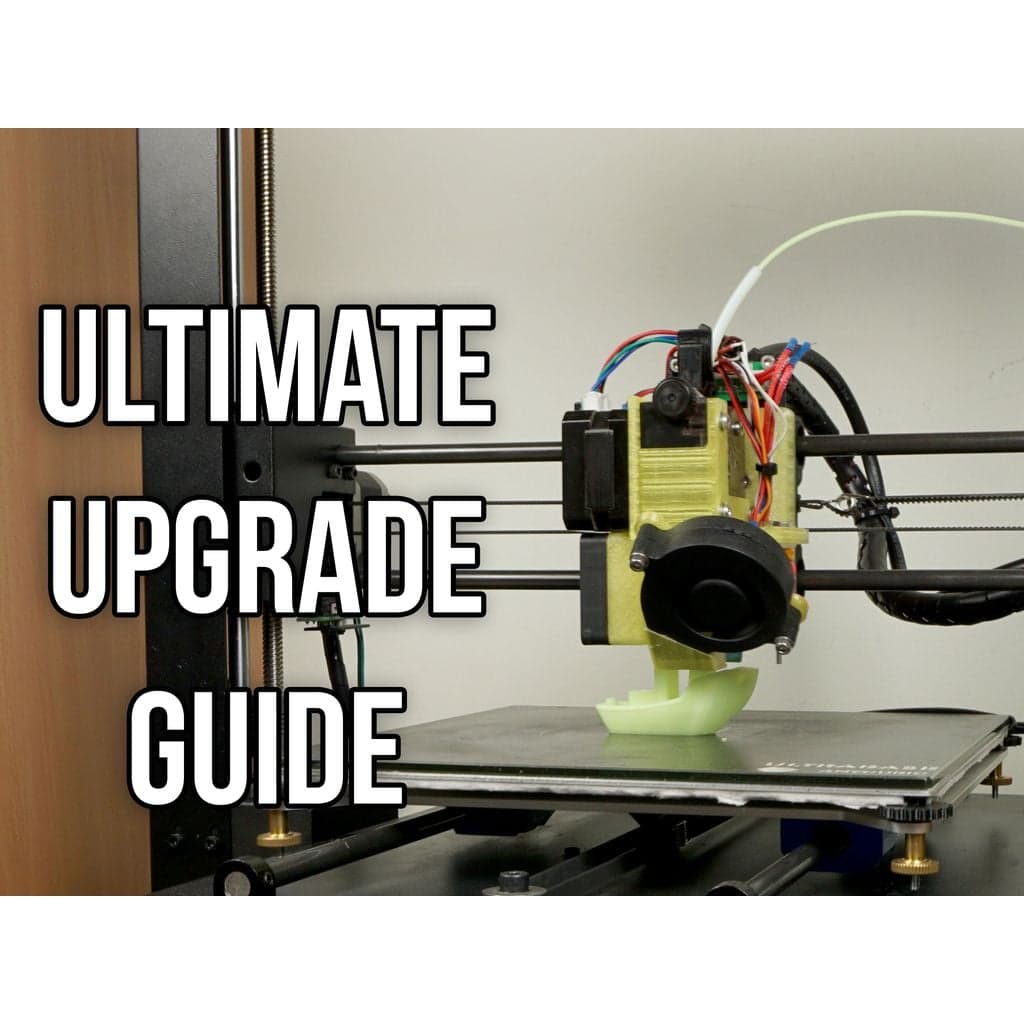
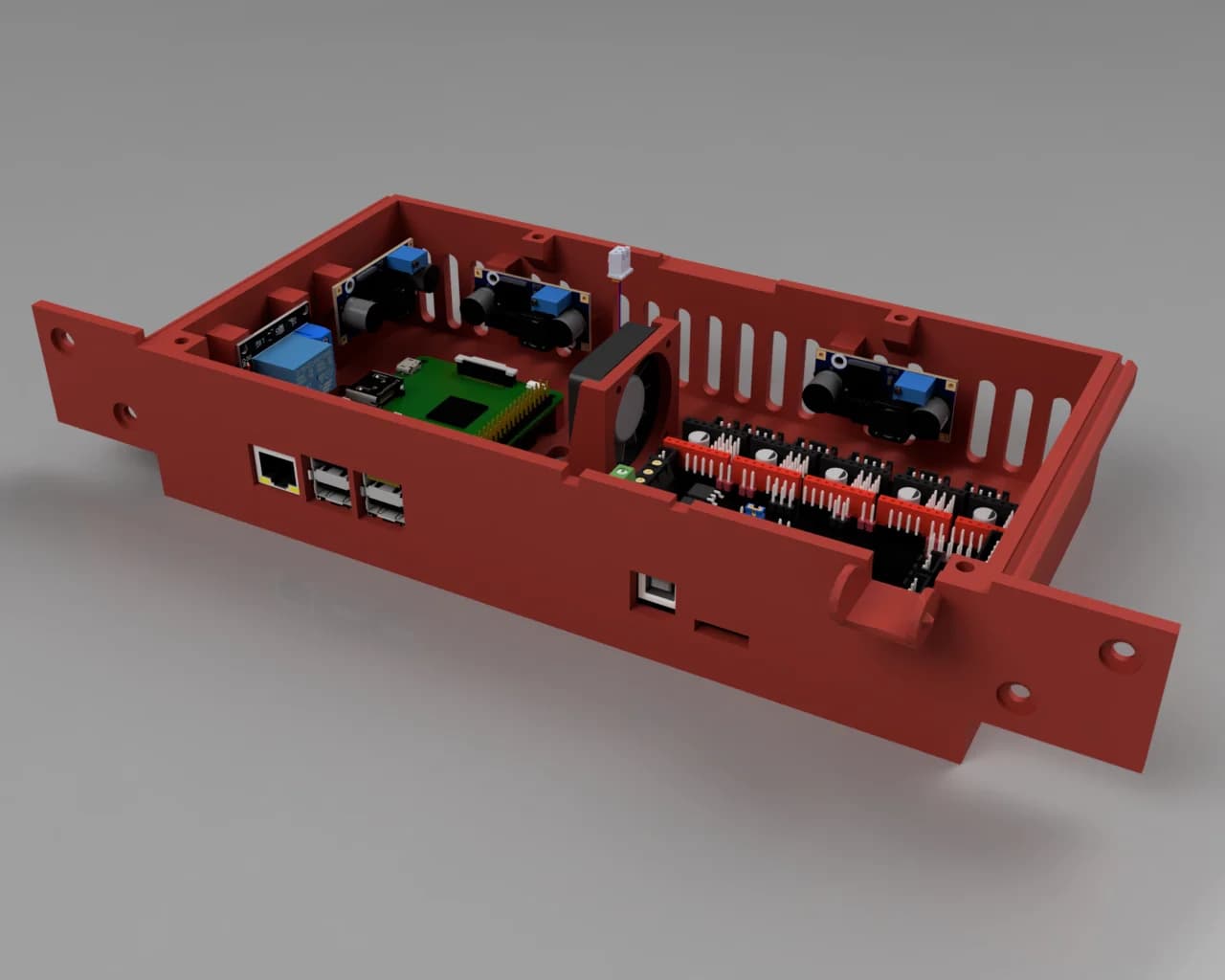
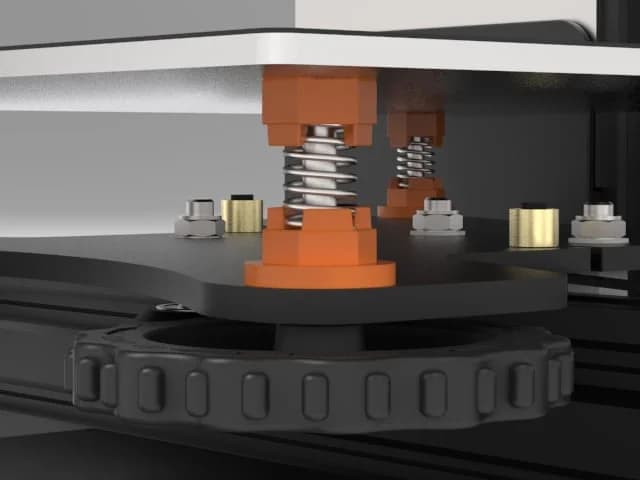
Within the past few months I was working on my I3 Mega. I have tested a lot of different combinations of extruders, hotends, bearings and their configuration, Linear Advance etc. My goal was to get best results possible, make it more reliable, quiet and in the same time make it faster. In this guide I will try to explain every upgrade i have made, why it was necessary and what it gives. Read it and say what You think about it in the comments. And remember that the more You dig in this topic the more imperfections of Your prints you will see. (Master Yoda style xD) I have added to this thing a few of my designs so it will be easier for You to download them.
1. Silencio! I3 Mega is a very good printer out of the box, but it has really big issue. It sounds like a giant fan! First thing that You want to do is to swap cheap, Chinese fans for better ones, for example Noctua, or some other brand that You know is good. Im using SilentiumPC Zephyr fans, but its a Polish brand so it may be hard to get for You. They are cheap and really silent for its price.
You will need: - Psu: 60x60x15mm fan (original one is rated 14V, but I have installed standard 12V fan and its working fine) - Motherboard cooler: 50x50x10mm 12V - Hotend radiator cooler: 40x40x10mm 12V - Nozzle fan - This one isnt standard fan and I couldnt find a good replacement. Also its a turbine so its normal that it will make some noise. I suggest leaving it as it is because its working great.
Of course I was trying different cooling ducts which were using non turbo fans. What I have tested: - https://www.thingiverse.com/thing:2577163 - https://www.thingiverse.com/thing:2635522 - https://www.thingiverse.com/thing:2529499 - and probably some others which I couldnt find now.
Conclusions: Do Not use non turbo fans for material cooling! Especially the silent ones. They are silent because, they are using better bearings, but they also pump less air. When printing with Pla it was giving worse results then the original fan duct. If You are printing with Petg or Abs mainly - go for it. If your main material is Pla dont waste your time on this topic. Of course You can install non silent fan which will make wind like crazy, but it will not be silent and probably the original fan and fanduct will be still better.
What You can consider installing: - https://www.thingiverse.com/thing:2457516 or this part: - https://www.thingiverse.com/thing:2706092 (I was trying only the first one)
Original cover has a lot of holes which are making whining noise when the air is going through them. Installing this covers will get rid of this annoying sound.
2. Silencio is not enough! Now Your 3D printer is deprived of one third of its noise. When You will start to print, You will realize that the most annoying sound that Cnc machines are making - stepper sound is now in the foreground. Solution for getting rid of this is really simple - You need to swap Your cheap A4988 drivers for better ones. Im using TMC2208 which I bought here: - They are easy to install. You just need to throw out old ones and put new ones in their place. Then You just need to invert your stepper motor spin direction by connecting stepper connectors upside down or by inverting it in firmware. (Firmware things later) Except that they will make Your printer deadly silent, they will improve print quality (A4988 has 1/16 microstepping, TMC2208 has 1/256) also You are able to make your 3D printer smart with them, but I will talk about it later.
Edit: 11.2019 - Today You should choose TMC2209:
Attention! Before You will order them check Your motherboard. New version of I3 Mega has 32 bit motherboard and it has non swapable drivers. My friend desoldered them and soldered TMC2208. It is working fine, but unless You are familiar with hot-air soldering dont even think about it.
You can watch swapping process, and sound comparison on my video about it here: - https://www.youtube.com/watch?v=efpZR1sLH6o Its in Polish language, but it should be easy to follow even if You dont understand a word.
3. Silencio is Still not enough! - Optional! - Really not worth the effort Your 3D printer should be almost silent now. The only thing which can irritate You now is rattling sound of standard linear bearings. The easiest solution? Swap standard bearings for polymer bushings! Great idea! No moving parts, self-lubricating, silent!
Unfortunately its not that awesome as it sounds.
Most popular solution that i see very often is Igus RJ4JP-01-08 bearing probably because Its relatively cheap. I will say it straight. Dont waste Your time on them! They are all polymer and even a small tension will bend them and create friction. I was working on them for a while. I have even designed my own holders which are holding bearings by using small stripes, and not creating tension on them. You can find them here: - https://www.thingiverse.com/thing:2791727
Conclusion: Even with proper setup (Which is really hard to achieve) they will not run as smooth as original bearings. Also they will have higher clearance (which is bad) because they need to be squished with some force in the casing which is impossible to do at home without press.
If You still want to have silent bearings here is a solution: Use Igus Rjzm-02-08. These are also polymer bushings but closed in metal case which allows them to ensure proper clerance and they will not bend under tension. You will find them here: -
Im using them with Igus high precision aluminum shaft: - Polymer bushings are working better with them, bearings should last longer and the printer is much lighter. Also it looks cool because these shafts are black! For the heated bed You need 2 x 360 mm shafts and for X carriage 2 x 330 mm. Dont use these shafts with standard linear bearings. Steel balls in bearings will ruin the shaft really quickly. Its not crucial upgrade - You can use Rjzm-02-08 with original rods.
Caution! After some time I realized that these shafts are bending under the weight of the direct carriage. Aluminum shafts under the bed probably do the same which makes weird stuff with printer geometry. I highly recommend to stick with original steel shafts.
Important Thing To Check Even if You are not changing shafts, check if Your bed shafts are rotating freely in the clamps. Mine were not and this means that the clamps are not aligned properly. This can make your shafts bend a bit and it will cause problems with leveling and in critical situation even some weird things with layering. Its way more important with aluminum shafts because they are less stiff than original ones. To align them properly grab a 8 mm drill and put it in the clamp. (Use side without cutting edge) Bend it a bit in proper way, then put shaft inside and check if its aligned better. Repeat for all the clamps. When clamps are
Источник: https://www.thingiverse.com/thing:2577163
Автор: petrzmax
Лицензия: Creative Commons - Attribution - Non-Commercial - Share Alike
Другие модели автора
Все моделиСкачать Руководство по обновлению Anycubic I3 Mega Ultimate — 3D-модель для печати на 3D-принтере
Скачать Руководство по обновлению Anycubic I3 Mega Ultimate — 3D-модель для печати на 3D-принтере. Файл загружен автором Katalog3D на маркетплейс Каталог3Д и доступен для скачивания в формате STL или 3MF.
Лицензия. Перед использованием ознакомьтесь с условиями лицензии в карточке модели. Одни файлы разрешают только личную печать, другие — коммерческое использование. Подробнее — в разделе лицензии.
Смотрите также: другие модели этого автора, похожие файлы по тегам — guide, upgrade, tutorial, Anycubic, Anycubic I3 Mega, Marlin, i3 mega, i3 mega ultrabase, TMC2208, TMC2209, anycubic i3 Mega S, silence mod.